
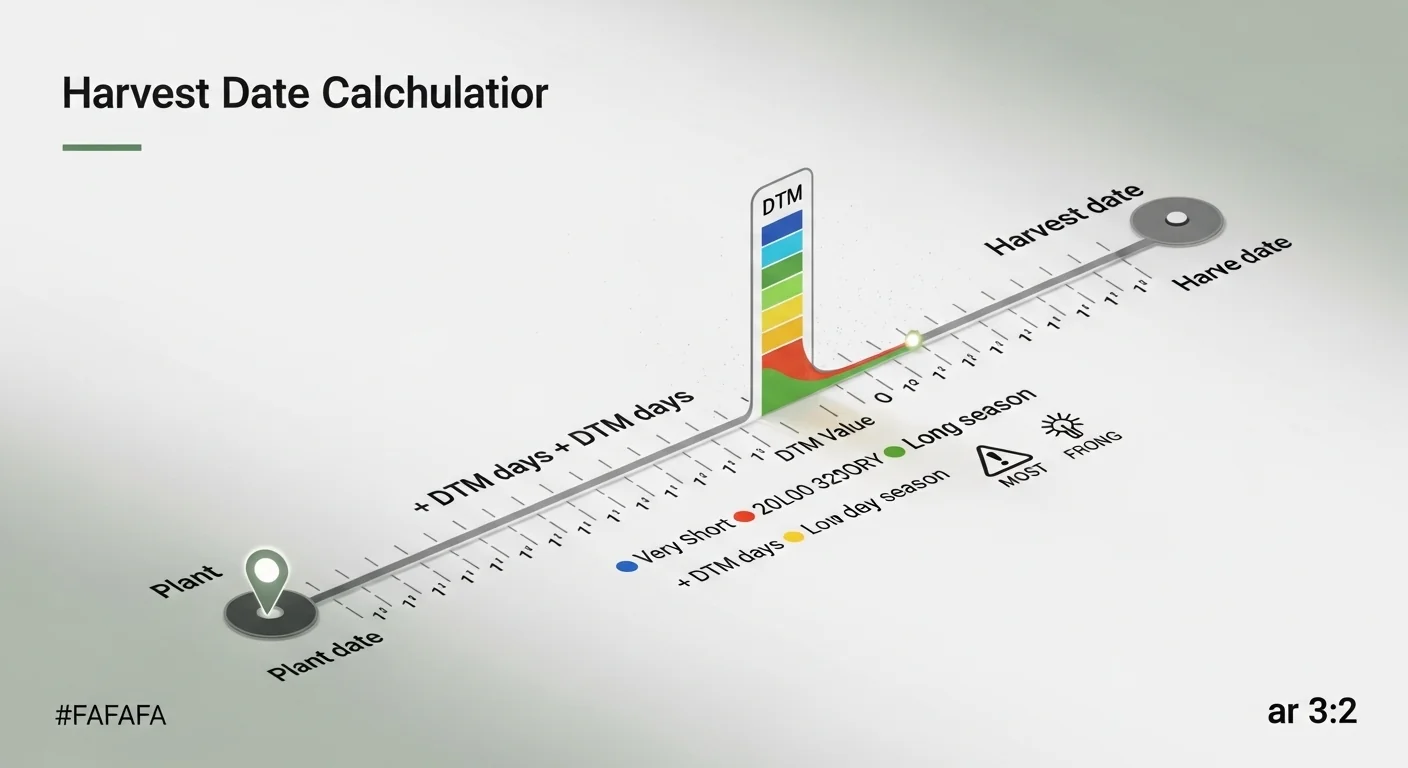
The number printed on a seed packet as “Days to Maturity” is a concrete countdown, not a vague suggestion. Yet most gardeners treat it as background information rather than an actionable planning variable. When you convert that single number into a specific calendar date, every downstream decision in the garden changes: when to clear bed space, when to schedule succession sowings, when to plan storage or processing, and whether your planting timing actually fits the available frost-free window.
Harvest Date Predictor
The Yield Grid — Plant & Crop Calculator
| Crop Example | Typical DTM | Est. Harvest Date |
|---|
How This Calculator Works
Formula used:
Step-by-step:
- Step 1 — Enter Plant Date: The calendar date you sowed seed or transplanted your seedling into the garden.
- Step 2 — Enter DTM: Copy the “Days to Maturity” number directly from your seed packet. This is the number of days from transplant (or from germination, depending on the crop) until the plant is ready to harvest.
- Step 3 — Calculate: We add DTM (as whole days) to your plant date to get the expected harvest date.
Units & assumptions:
- DTM must be a whole number between 1 and 365 days.
- DTM values are from transplant date unless your seed packet specifies from-seed germination. Adjust by adding ~7–14 days if counting from direct-sow germination.
- This is an estimate. Actual harvest may vary with temperature, soil quality, watering, sunlight, and variety.
- Frost dates, growing zone, and microclimate are not accounted for — always cross-check with your local last/first frost dates.
Assumptions & Limits
- DTM range accepted: 1 – 365 days.
- Plant date must be a valid calendar date.
- DTM values on seed packets may represent transplant-to-harvest time. Adjust accordingly for direct-sow crops.
- This tool assumes average growing conditions. High heat, drought, or cold can shift harvest by days or weeks.
- Successive planting? Run multiple calculations — one per planting date.
- For best accuracy, match DTM to your specific variety listed on the seed packet.
This harvest date calculator takes two inputs, a plant date and a DTM value, and returns a formatted harvest date. It does not account for soil temperature fluctuations, pest pressure, water stress, or varietal quirks beyond what the seed packet encodes. The output is an estimate, not a guarantee. What the tool does provide is a repeatable, formula-based anchor date that removes the guesswork from harvest planning. If you run multiple planting dates through it, you can map out a harvest sequence across weeks and plan accordingly with a succession planting chart that keeps harvests staggered rather than piled up at once.
After using this tool, you can determine whether your current planting date leaves enough frost-free days to reach maturity, or whether you need to adjust timing, choose a shorter-DTM variety, or start seeds indoors to gain lead time.
Use the Tool
Before calculating, have your seed packet nearby or the variety name ready so you can confirm the exact DTM figure. DTM values are variety-specific, not just species-specific: two tomato cultivars planted the same day can have harvest dates weeks apart. Enter the date you transplanted seedlings into the ground, or for direct-sown crops, the date seeds were placed in soil. If you need to decode other numbers from your seed packet alongside this calculation, the seed packet calculator covers spacing, seeding depth, and quantity alongside maturity data.
Quick Start (60 Seconds)
- Plant Date: Enter the date you transplanted or direct-sowed. Use the calendar picker or type in YYYY-MM-DD format. Do not use a germination date or a seed-starting date from indoors.
- Days to Maturity (DTM): Copy the number from the seed packet exactly. Typical ranges: radishes run 20-30 days, tomatoes 60-85 days, winter squash 90-110 days. Type the number as a whole integer.
- Do not estimate DTM: If the packet is missing, find the specific cultivar name and look up its listed DTM rather than guessing from the species average.
- One planting per calculation: Each row in your garden may have a different planting date or variety DTM. Run the tool once per distinct planting batch.
- Check the timeline bar: After calculating, the progress bar shows how far along your crop is today relative to its full DTM window, so you can see at a glance whether harvest is approaching or still weeks out.
- Read the DTM category label: The result panel classifies your DTM as Very Short, Short, Mid-Season, Long, or Very Long to help you judge whether the crop fits your remaining frost-free window.
- Use Reset between crops: Clear the form before entering data for a different crop to prevent carryover errors from a previous calculation.
Inputs and Outputs (What Each Field Means)
| Field | Unit / Type | What It Means | Common Mistake | Safe Entry Guidance |
|---|---|---|---|---|
| Plant Date | Calendar date | The date the plant entered its permanent growing location: transplant date for seedlings, or direct-sow date for seeds placed in the ground. | Using the indoor seed-start date instead of the outdoor transplant date. This overstates the DTM countdown by weeks. | Use the date the plant or seed went into the ground outdoors. For transplants, use the date of transplanting, not germination. |
| Days to Maturity (DTM) | Whole number, 1-365 | The number printed on the seed packet representing the expected days from transplant (or direct-sow germination, depending on crop) to first harvestable fruit, root, or head. | Using a rounded species average (e.g., “tomatoes take 70 days”) rather than the specific cultivar DTM from the packet. Cultivar DTM can vary by 20 days or more within a single species. | Read the DTM from the packet for the exact cultivar you planted. If the packet says “65-70 days,” use the midpoint (67 or 68) or the higher end for conservative planning. |
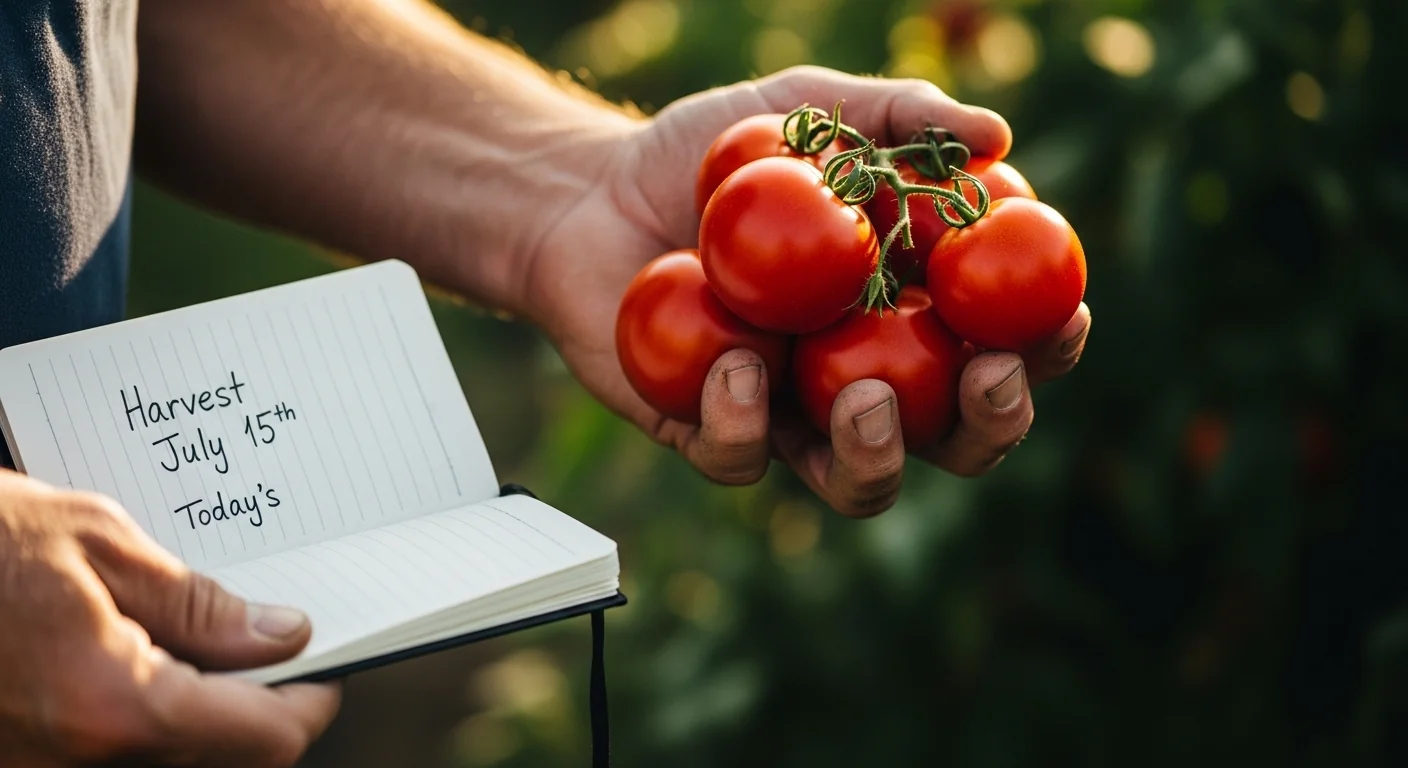
| Estimated Harvest Date (output) | Full calendar date string | The formatted date result (e.g., Tuesday, July 15th) representing the expected first harvest day, calculated as Plant Date + DTM days. | Treating this as a hard cutoff rather than a window. Actual harvest may begin a few days earlier or later depending on growing conditions. | Begin scouting for harvest-readiness signals (color, firmness, taste) 5-7 days before the predicted date. |
| Days from Today (output) | Integer days, positive or negative | The number of days between today and the calculated harvest date. Negative values mean the predicted harvest date is in the past. | Ignoring a negative value. A past harvest date may indicate a missed harvest window, an incorrect plant date, or a crop that is overdue for field inspection. | If the output is negative and the crop is still in the ground, inspect immediately for overmaturity or quality loss. |
| DTM Category (output) | Classification label | A five-tier label (Very Short through Very Long) based on the entered DTM value that categorizes the crop’s seasonal requirements relative to standard frost-window benchmarks. | Ignoring a “Very Long Season” warning when planting in late spring, leaving insufficient frost-free days for the crop to mature. | If the category shows Long or Very Long, cross-check against your local last and first frost dates before finalizing your planting plan. |
Worked Examples (Real Numbers)
Example 1: Mid-Season Tomato, Spring Planting
- Plant Date: May 1, 2025 (transplant to garden bed)
- DTM: 75 days (from seed packet for the specific cultivar)
Result: Tuesday, July 15th
A May 1 transplant date with a 75-day DTM places first harvest in mid-July, well within a standard summer growing window for most temperate zones. Begin checking for color break and fruit firmness around July 8th, about a week before the predicted date.
Example 2: Lettuce, Early Spring Direct Sow
- Plant Date: March 15, 2025 (direct sow into garden bed)
- DTM: 45 days (leaf lettuce variety from seed packet)
Result: Tuesday, April 29th
A mid-March sow with a 45-day DTM produces harvestable lettuce by late April. Because this is a direct-sow calculation, the 45-day DTM on the packet counts from germination, not transplant. If germination took 7-10 days after sowing, actual harvest readiness may arrive closer to May 5th-9th. Adjust the plant date field to the date germination was observed for higher precision.
Example 3: Winter Squash, Full-Season Crop
- Plant Date: June 1, 2025 (transplant from indoor start)
- DTM: 100 days (variety listed on packet)
Result: Tuesday, September 9th
A June 1 transplant date with a 100-day DTM targets harvest in the first week of September. Before committing to this planting window, confirm that the average first frost in your area falls after September 9th. If your first frost typically arrives in late September, this timing is workable. If it arrives before mid-September, a shorter-DTM squash variety or an earlier transplant date is the safer path.
Reference Table (Fast Lookup)
| Crop | Typical DTM Range | DTM Category | Example Plant Date | Calculated Harvest Date | Planning Note |
|---|---|---|---|---|---|
| Radish | 20-30 days | Very Short | April 1 | April 21-April 30 | Ideal succession crop; plant a new row every 2 weeks for continuous harvest. |
| Leaf Lettuce | 40-55 days | Short | March 15 | April 24-May 9 | DTM counts from germination on direct-sow varieties; add 7-10 days if packet counts from germination. |
| Spinach | 40-50 days | Short | March 20 | April 29-May 9 | Heat bolts spinach; target harvest before sustained temperatures above 21 C. |
| Bush Beans | 50-60 days | Short | May 10 | June 29-July 9 | Direct-sow only; DTM counts from germination. Add 7-10 days to the plant date if counting from sowing. |
| Cucumber | 55-65 days | Short-Mid | May 15 | July 9-July 19 | Transplant-based DTM is standard; verify the packet notation before entering the date. |
| Tomato (early variety) | 60-70 days | Mid-Season | May 1 | June 30-July 10 | From transplant. Entering seed-start date instead of transplant date is the most common error on this crop. |
| Sweet Corn | 75-90 days | Mid-Season | May 20 | August 3-August 17 | Direct-sow; DTM from germination. Adjust plant date to observed germination for tighter accuracy. |
| Bell Pepper | 70-90 days | Mid-Season | May 5 | July 14-August 3 | From transplant. Red, yellow, and orange peppers require 2-3 additional weeks beyond the green-stage DTM printed on many packets. |
| Winter Squash | 90-110 days | Long | June 1 | August 30-September 19 | Check first frost date. If your area sees frost before mid-September, this is a high-risk window without row cover. |
| Pumpkin | 100-120 days | Long-Very Long | May 25 | September 2-September 22 | One of the higher-DTM crops in the garden. An early June frost risk makes a May planting the practical outer limit in most zones. |
How the Calculation Works (Formula + Assumptions)
Show the calculation steps
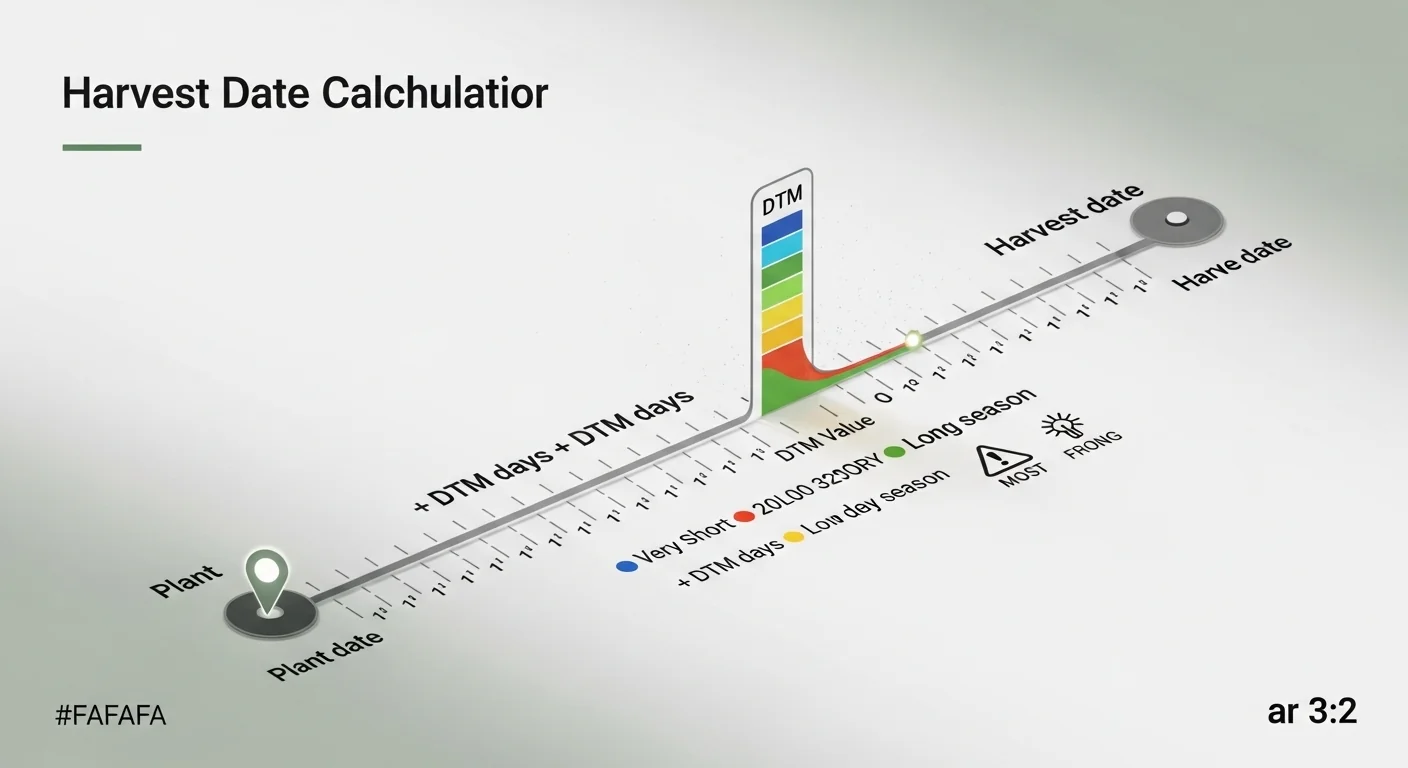
The formula is single-step arithmetic applied to calendar dates:
- Parse Plant Date: The entered date is read as a local calendar date (year, month, day). Time zones are not involved; the calculation is purely date-based.
- Add DTM as whole days: The DTM integer is added to the plant date as a count of calendar days. If May 1 is the plant date and DTM is 75, the calculator moves forward 75 calendar days to July 15.
- Format the result: The output date is formatted as Day-of-week, Month, Day+ordinal suffix. For example: Tuesday, July 15th. This format is derived directly from the calculation, not converted from a lookup table.
- Compute days from today: The difference between the harvest date and today’s date is calculated in whole days. A positive number means days remaining; zero means today is the predicted harvest date; negative means the predicted date has passed.
- No rounding applied: DTM is treated as an exact integer. If the packet says “65-70 days,” the user must choose a single value to enter. The midpoint (67 or 68) or the upper bound (70) is recommended for conservative planning.
Assumptions and Limits
- DTM counts are assumed to be from transplant date, which is the convention used on most vegetable seed packets in North America. Direct-sow crops (beans, corn, carrots, beets) list DTM from germination. For these, add 7-14 days to the calculated harvest date or enter the observed germination date instead of the sowing date.
- The formula treats all days as calendar days of equal length. It does not account for growing degree days, heat units, or accumulated thermal time. A cold, wet summer will delay maturity beyond the DTM prediction; a hot, dry summer may accelerate it.
- DTM values printed on seed packets represent performance under average conditions for the variety. Soil nutrient deficiencies, water stress, pest damage, or disease can shift actual harvest by days or weeks in either direction.
- The tool accepts DTM values from 1 to 365 days. Values outside this range are rejected. Multi-year crops (asparagus, artichokes) are not applicable to this tool.
- Frost risk is not calculated. The tool produces a harvest date but does not know your local first or last frost date. Always cross-reference the output against frost data for your specific ZIP code or growing zone.
- Pepper color stages are not encoded. Many pepper packets list DTM to green stage. Red, orange, and yellow ripe stages typically require 2-3 additional weeks. Enter a manually adjusted DTM if you are targeting full color development.
- Succession planting requires running the calculator multiple times with different plant dates. Each row or batch should be calculated separately to build an accurate harvest sequence.
Standards, Safety Checks, and “Secret Sauce” Warnings
Critical Warnings
- Transplant date vs. germination date: The single most common source of error in harvest date prediction is entering an indoor seed-start date instead of the outdoor transplant date. DTM on the packet counts from the moment the plant is in its permanent outdoor location. Entering the wrong start date shifts the predicted harvest forward by weeks, producing a result that looks correct but is built on a wrong foundation.
- DTM range packets: When a seed packet lists a range such as “70-80 days,” the tool requires a single integer. Entering the low end of the range produces an optimistic harvest date. For planning purposes, especially in regions with early fall frost, always use the upper bound or midpoint.
- Harvest window vs. harvest point: The calculated date represents the opening of the harvest window, not a fixed cutoff. For crops like tomatoes and peppers, the window spans days to weeks. For crops like sweet corn and lettuce, the window is narrow and quality degrades quickly after peak maturity.
- Very Long DTM crops and short growing seasons: Crops with DTM above 100 days planted after late May in zone 5-6 may not reach maturity before first frost. The tool’s DTM category labels flag this condition, but the user must verify against local frost calendars. For more granular seasonal heat analysis, the growing degree days calculator provides a heat-unit-based view of crop readiness that complements the calendar-based prediction here.
Minimum Standards
- Always confirm the DTM value against the specific cultivar name, not just the species. “Tomato” is not a usable DTM reference. “Sungold F1 Tomato” has a specific packet DTM that should be used.
- For cool-season crops planted in late summer for fall harvest, verify that the harvest date falls before your average first frost. Crops like broccoli, Brussels sprouts, and kale are tolerant of light frost, but heading crops need to reach maturity before hard freeze. The chill hours calculator is a useful companion for crops that require a cold period or are being timed around fall temperatures.
- Recalculate after any significant delay in planting. If a transplant was delayed by one week due to weather, run the tool again with the corrected date. Do not assume the original harvest estimate still applies.
Competitor Trap: Many harvest date tools on the web accept a planting date and a species name, then return a DTM estimate from a database average. The problem is that species-level DTM averages can misrepresent any given cultivar by 15 to 25 days. This tool deliberately omits the species-to-DTM lookup and requires the user to enter the DTM directly from the seed packet. This one design decision eliminates the most common category of harvest date prediction error: using a generic crop average instead of the actual variety you planted.
Common Mistakes and Fixes
Mistake: Using the Seed-Start Date Instead of the Transplant Date
Gardeners who start tomatoes, peppers, or brassicas indoors often record their indoor start date and use it as the plant date input. This produces a harvest prediction that is 6-10 weeks too early because DTM counts from transplant to harvest, not from the moment a seed germinates under a grow light. The fix is to record the specific date each seedling went into the ground outdoors and use that date exclusively.
Mistake: Applying One Calculation to the Entire Garden
A single harvest date calculation only applies to one variety planted on one specific date. Running one calculation and assuming it covers all tomatoes, or all squash, in the garden leads to missed harvest windows and planning gaps. Run the tool once per distinct planting event, then use the results to build a dated harvest schedule. A vegetable yield calculator can help translate those harvest dates into quantity projections for storage and processing planning.
Mistake: Taking DTM from a Species Guide Rather Than the Packet
Online growing guides often list a species-level DTM range, such as “cucumbers: 50-70 days.” Using the midpoint of a species range instead of the cultivar-specific DTM printed on the packet introduces variability that renders the harvest date estimate unreliable. Two cucumber varieties planted the same day, one at 52 days DTM and one at 67 days DTM, will have harvest dates more than two weeks apart.
Mistake: Ignoring the Seasonal Warning for Late-Summer Harvests
When the predicted harvest date falls in October, November, or December for frost-sensitive crops, the tool displays a seasonal tip about frost risk. Many users dismiss this warning, assuming their local climate is mild enough to avoid the issue. In practice, even in zone 7 and 8, late-fall harvest dates for crops like tomatoes and basil carry meaningful frost risk. Check the warning output and cross-reference it against a frost date resource before banking on a late harvest.
Mistake: Not Recalculating After a Planting Delay
Planting plans shift. A transplant scheduled for May 5th may get pushed to May 18th due to late frost or saturated soil. Many gardeners keep the original harvest estimate in their notes without updating it, then miss the actual harvest window. Any time a planting date changes by more than a few days, rerun the calculation with the corrected date.
Next Steps in Your Workflow
Once you have a predicted harvest date, the most useful next action is to audit your planting window from both ends. Work backward from the harvest date to confirm the planting date makes sense for your climate, and work forward to check whether your harvest date clears your average first frost. If you are growing multiple crops or multiple successions of the same crop, stack the results into a written schedule. Spacing that schedule evenly across the season is easier when your garden layout is already planned; the square foot gardening planner gives you a spatial framework to match against your harvest date sequence.
If the harvest date reveals that several crops will mature at roughly the same time, consider adjusting planting dates now to spread the workload. Running a second or third planting of fast-maturing crops like lettuce, radish, or bush beans at 2-3 week intervals distributes harvest across weeks instead of concentrating it in a single period. Coordinating plant spacing and row density with harvest timing is also worth reviewing before planting; the plant spacing calculator ensures your rows are optimized for the yield you are targeting at each harvest date.
FAQ
What does “Days to Maturity” actually mean on a seed packet?
DTM is the number of days from a defined starting point, usually transplant for seedlings or germination for direct-sow crops, to when the first fruit, root, or head reaches harvestable size and quality. It is specific to a cultivar and tested under controlled trial conditions. Weather and soil variation in your garden will shift the actual outcome, but the packet DTM is the best available starting estimate.
Should I enter the seed-starting date or the transplant date for tomatoes and peppers?
Enter the transplant date: the date you moved the seedling from its indoor pot into the outdoor garden bed. DTM for tomatoes and peppers counts from transplant, not from seed germination. Using the indoor start date overstates the countdown and produces a harvest prediction that arrives weeks earlier than the plant’s actual readiness.
What if my seed packet gives a range, like “70-80 days”?
You need to enter a single integer. For conservative planning, use the upper number in the range. If you want the earliest plausible harvest, use the lower number. For most situations, especially when planning around frost dates or processing schedules, the upper bound gives you the most reliable buffer and the least risk of being caught short.
Why does the harvest date show as already in the past?
A negative “days from today” value means the calculated harvest date has already passed. The most common causes are entering an old plant date from a previous season, entering a plant date that is weeks before actual transplanting occurred, or using a very short DTM (under 30 days) for a plant date from several months ago. Check your inputs, correct the plant date if needed, and rerun the calculation.
Does this tool account for frost dates or growing zones?
No. This calculator performs a single arithmetic operation: plant date plus DTM equals harvest date. It does not have access to your location, ZIP code, growing zone, or local frost calendar. The seasonal warnings built into the results panel flag months that commonly carry frost risk, but you must independently verify your specific first and last frost dates and compare them against the calculated harvest date.
Can I use this tool for perennials or multi-year crops?
This tool is designed for annual crops with a single-season DTM printed on a seed packet. Perennials like asparagus and artichokes, or biennial crops measured across multiple seasons, do not have a DTM in the conventional sense and are not suitable inputs for this calculator. Use it for annual vegetables where planting and harvesting occur within a single growing season.
Conclusion
The one mistake worth repeating: do not use your indoor seed-start date as the plant date input. That single substitution produces a harvest estimate that is weeks too early and cascades into missed windows, overmature produce in the field, and scheduling conflicts with storage or processing timelines. Use the transplant date. Confirm the DTM from the packet. For crops like pumpkins where harvest size at peak maturity is as important as harvest timing, pairing date prediction with a pumpkin weight calculator gives a more complete picture of when and what to expect at harvest.