
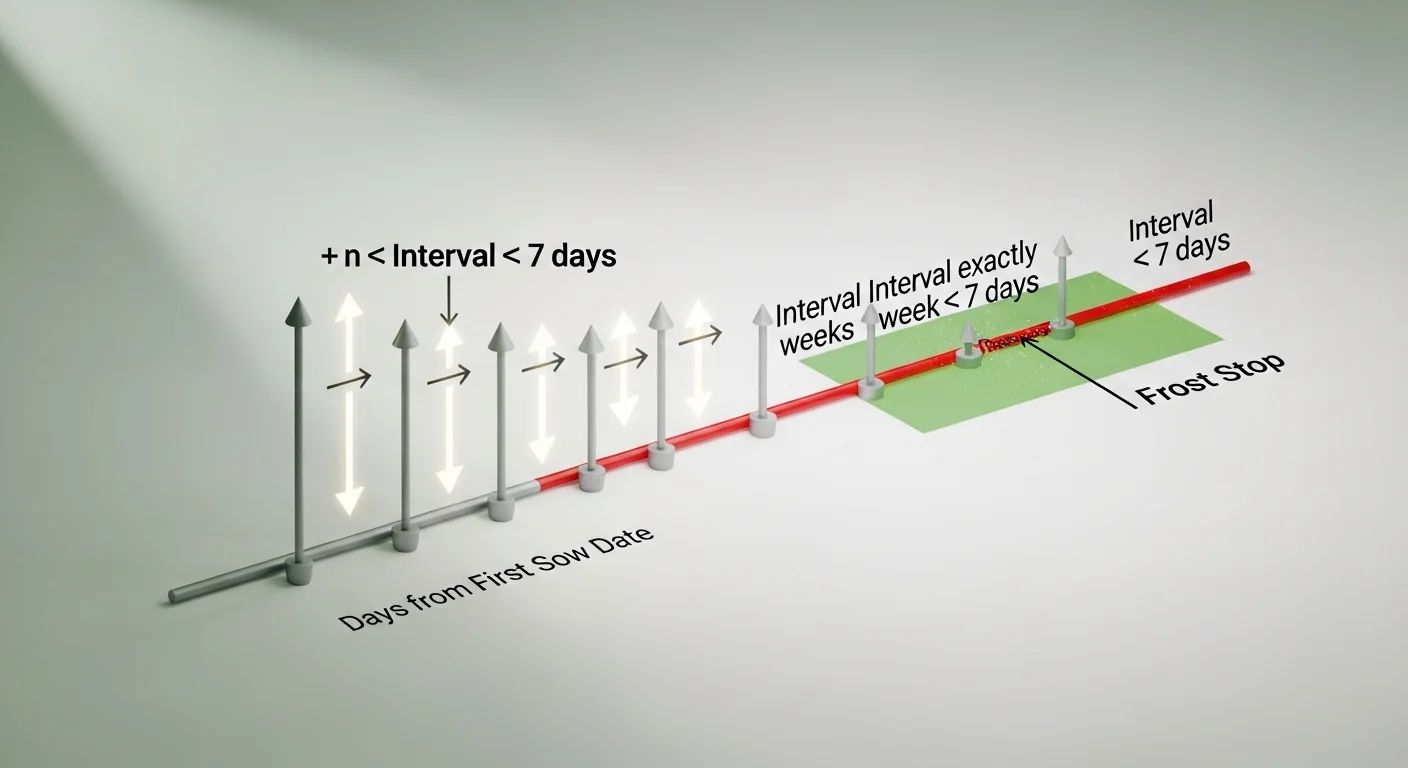
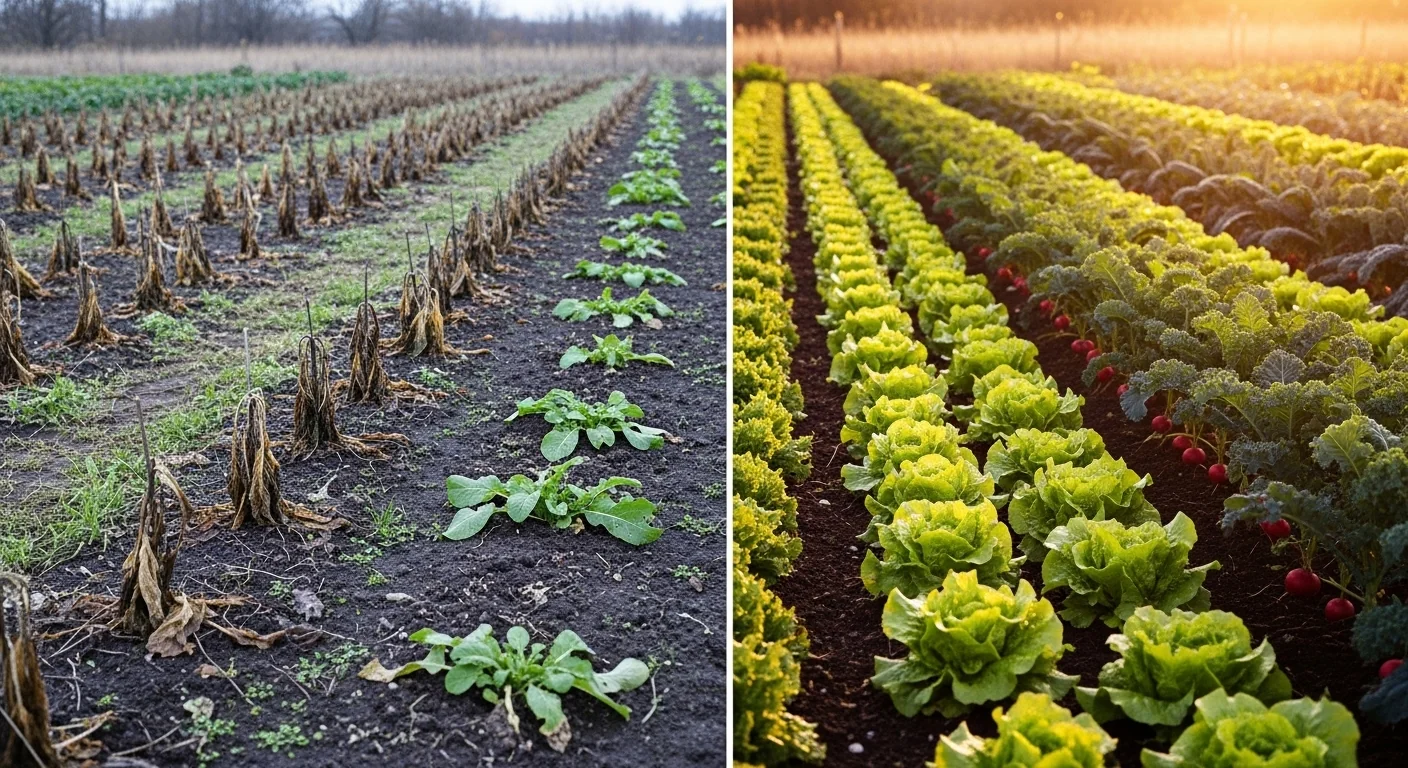
The gap between “I want continuous harvests” and “I actually get them” almost always comes down to one number: the interval. Plant too far apart and you get feast-then-famine. Plant too close together and you overwhelm your kitchen, your storage, and your soil at the same time. To add pressure, every succession that starts too late in the season hits a hard biological wall when frost arrives, voiding all the labor that went into it. Tracking your growing degree days can help you understand how temperature accumulation affects your true season length before you even set a first sow date.
This succession planting calculator computes each sow date in a sequence using the formula Date[n] = First Sow Date + (n × Interval × 7), where n is the planting batch number starting at zero. It outputs a full succession planting chart, flags any planting that falls on or past your entered frost date, and stops the schedule at that boundary. What the tool does not do: it does not calculate days-to-maturity for individual crops, account for weather delays, or tell you how many seeds to sow per batch. Those are separate inputs you bring to the process.
After running the calculator, you will know exactly how many sow-date-safe plantings fit inside your frost window and when to put each one in the ground.
Use the Tool
| Planting # | Sow Date | Days from First | Status |
|---|
How This Calculator Works
Formula: Each planting date is calculated by adding n × 7 days to your First Sow Date, where n is the planting number (0, 1, 2 …).
Example: First Sow = April 1, Interval = 2 weeks, 4 plantings:
- Planting 1: April 1 + (0 × 14) = April 1
- Planting 2: April 1 + (1 × 14) = April 15
- Planting 3: April 1 + (2 × 14) = April 29
- Planting 4: April 1 + (3 × 14) = May 13
Frost Safety Check: If a planting date falls on or after the First Frost Date you enter, it is flagged and no further dates are calculated. This prevents you from starting plants that won’t mature before frost.
Assumptions & Limits:
- All intervals are whole weeks (multiples of 7 days).
- The tool does not account for crop days-to-maturity — pair this with your seed packet’s maturity date for full planning.
- Frost date check is optional; without it, all requested plantings are shown.
- Intervals: 1–52 weeks. Plantings: 2–52 batches.
- Days between plantings = Interval (weeks) × 7.
Before you start, have your expected last frost date (for spring) or first frost date (for fall) on hand. Know your intended interval in whole weeks and a realistic number of batches you can manage. The frost date field is optional, but leaving it blank means the calculator cannot flag unsafe late plantings. If you are planning seeds for a specific bed, check the seed packet calculator first to confirm you have enough seed on hand for each batch before building your schedule.
Quick Start (60 Seconds)

- First Sow Date: Enter the date you plan to put your first batch in the ground, not the date seeds were ordered or arrived. Use an actual calendar date, not “in two weeks.”
- First Frost Date (optional): Enter your area’s expected first frost date. Leaving this blank removes the frost safety check. If you are unsure, check your local extension service or use a historical frost map for your zip code.
- Interval (Weeks): Enter a whole number between 1 and 52. Two weeks is the most common starting point for cool-season leafy crops. Do not enter decimals; the calculator rounds to the nearest whole week.
- Number of Plantings: Enter how many successive batches you want, between 2 and 52. Start conservatively. Six plantings at a two-week interval already spans nearly three months.
- Watch the status column: Any row labeled “Past Frost” represents a planting that the tool has stopped at the frost boundary. Reduce your number of plantings or shorten the interval to bring all rows into the “Scheduled” status.
- Use the Reset button to clear all fields completely before entering a new crop’s data. Do not reuse a previous session without resetting; leftover fields from a prior calculation will contaminate your new results.
- Read the interpretation line: Below the primary result, the tool generates a plain-language sentence summarizing total span in weeks and the date range. Cross-check that range against your actual growing season before committing to a sowing schedule.
Inputs and Outputs (What Each Field Means)
| Field Name | Unit / Type | What It Means | Common Mistake | Safe Entry Guidance |
|---|---|---|---|---|
| First Sow Date | Calendar date (required) | The anchor date for the entire succession schedule. All subsequent dates are derived from this single value. | Using today’s date when you haven’t actually planted yet. This pushes all calculated dates earlier than reality. | Enter the actual planned sow date, even if it’s weeks away. |
| First Frost Date | Calendar date (optional) | The expected date of first killing frost in fall. The tool halts succession scheduling at this boundary. | Skipping this field entirely and assuming all calculated batches are viable. | Always enter a frost date for fall planning. For spring successions, you may omit it if the season is long enough that frost is not a concern. |
| Interval (Weeks) | Whole number, 1 to 52 | The number of weeks between each successive planting batch. Multiplied by 7 internally to produce days. | Entering an interval that is shorter than the crop’s days-to-maturity, creating overlapping harvests rather than continuous ones. | Match or exceed the crop’s harvest window length for true continuous supply. |
| Number of Plantings | Whole number, 2 to 52 | Total number of successive batches to schedule, including the first one. | Setting a high number without checking whether the resulting last date falls before frost. | Start with a number you can realistically manage, then add more if the frost check passes for all batches. |
| Planned Plantings (output) | Count | The number of batches confirmed as falling before the frost date (or all batches if no frost date is entered). | Treating this number as total plantings even when some were removed by the frost check. | Check the status column in the full schedule table. “Past Frost” rows are excluded from the count. |
| Status (output per row) | Label (Scheduled / Past Frost) | Indicates whether each individual planting date falls within the frost-safe window. | Ignoring the “Past Frost” label and sowing anyway, expecting frost-tolerant crops to compensate. | Treat “Past Frost” as a hard stop unless you are growing a frost-hardy crop with confirmed maturity time before the date. |
If you are planning multiple crops with different maturity timelines, the harvest date calculator is a useful companion for estimating when each batch will be ready to pick, not just when it goes in the ground.
Worked Examples (Real Numbers)
Example 1: Spring Lettuce with a Two-Week Interval
- First Sow Date: April 1
- Interval: 2 weeks
- Number of Plantings: 5
- Frost Date: none entered
Result: 5 scheduled plantings. Dates: April 1, April 15, April 29, May 13, May 27. Total schedule span: 56 days (8 weeks).
This is a textbook spring lettuce run. Each batch is separated by 14 days. The last sow date falls on May 27, which for most temperate zones is well ahead of summer heat that would cause bolting. The tool confirms all 5 are scheduled because no frost date was entered.
Example 2: Summer Beans with a Three-Week Interval and a Fall Frost Check
- First Sow Date: June 1
- Interval: 3 weeks
- Number of Plantings: 4
- Frost Date: October 1
Result: 4 scheduled plantings. Dates: June 1 (+0 days), June 22 (+21 days), July 13 (+42 days), August 3 (+63 days). All four fall before October 1. Total span: 63 days.
August 3 is the last sow date. For a bush bean variety with 55 days to maturity, that batch would be ready around September 27, just inside the October 1 frost date. This is a case where the succession planting chart passes the frost check numerically, but the user must still verify days-to-maturity separately.
Example 3: Fall Kale Succession Stopped by Frost
- First Sow Date: August 1
- Interval: 2 weeks
- Number of Plantings: 7
- Frost Date: October 15
Result: 6 scheduled plantings. Dates: Aug 1, Aug 15, Aug 29, Sep 12, Sep 26, Oct 10. The 7th batch (Oct 24 = August 1 + 84 days) equals or exceeds October 15 and is flagged as “Past Frost.” The calculator removes it and stops the schedule.
This is the frost safety check working as intended. Without the October 15 entry, the tool would have shown all 7 batches, the last of which would never survive to harvest. The 6 confirmed plantings give a total schedule span of 70 days.
Reference Table (Fast Lookup)
This table shows commonly succession-planted crops, typical planning parameters, and the derived season span in days and weeks. The “Span (days)” column is computed as (Plantings – 1) × Interval × 7.
| Crop | Interval (weeks) | Typical Plantings | Span (days)* | Span (weeks)* | Season Suitability |
|---|---|---|---|---|---|
| Lettuce | 2 | 5 | 56 | 8 | Spring, Fall |
| Radish | 2 | 7 | 84 | 12 | Spring, Fall |
| Spinach | 2 | 4 | 42 | 6 | Spring, Fall |
| Bush Beans | 3 | 4 | 63 | 9 | Summer |
| Carrots | 3 | 3 | 42 | 6 | Spring, Fall |
| Beets | 3 | 3 | 42 | 6 | Spring, Fall |
| Kale | 3 | 3 | 42 | 6 | Fall |
| Cilantro | 2 | 5 | 56 | 8 | Spring, Fall |
| Peas | 2 | 3 | 28 | 4 | Spring |
| Arugula | 2 | 5 | 56 | 8 | Spring, Fall |
*Span (days) = (Plantings – 1) × Interval × 7. Span (weeks) = Span (days) ÷ 7, rounded to nearest whole number. Parameters are starting points; adjust based on your local season length and frost dates.
How the Calculation Works (Formula + Assumptions)
Show the calculation steps
Step 1: Establish the anchor date. The First Sow Date is assigned to batch number 0 (the first planting). It is the fixed reference point for every subsequent date.
Step 2: Convert the interval to days. The interval you enter in weeks is multiplied by 7 to produce days. A 2-week interval becomes 14 days. A 3-week interval becomes 21 days.
Step 3: Apply the formula for each planting.
Date[n] = First Sow Date + (n × Interval_weeks × 7)
Where n starts at 0 for the first planting and increments by 1 for each successive batch. For 5 plantings, n runs from 0 to 4.
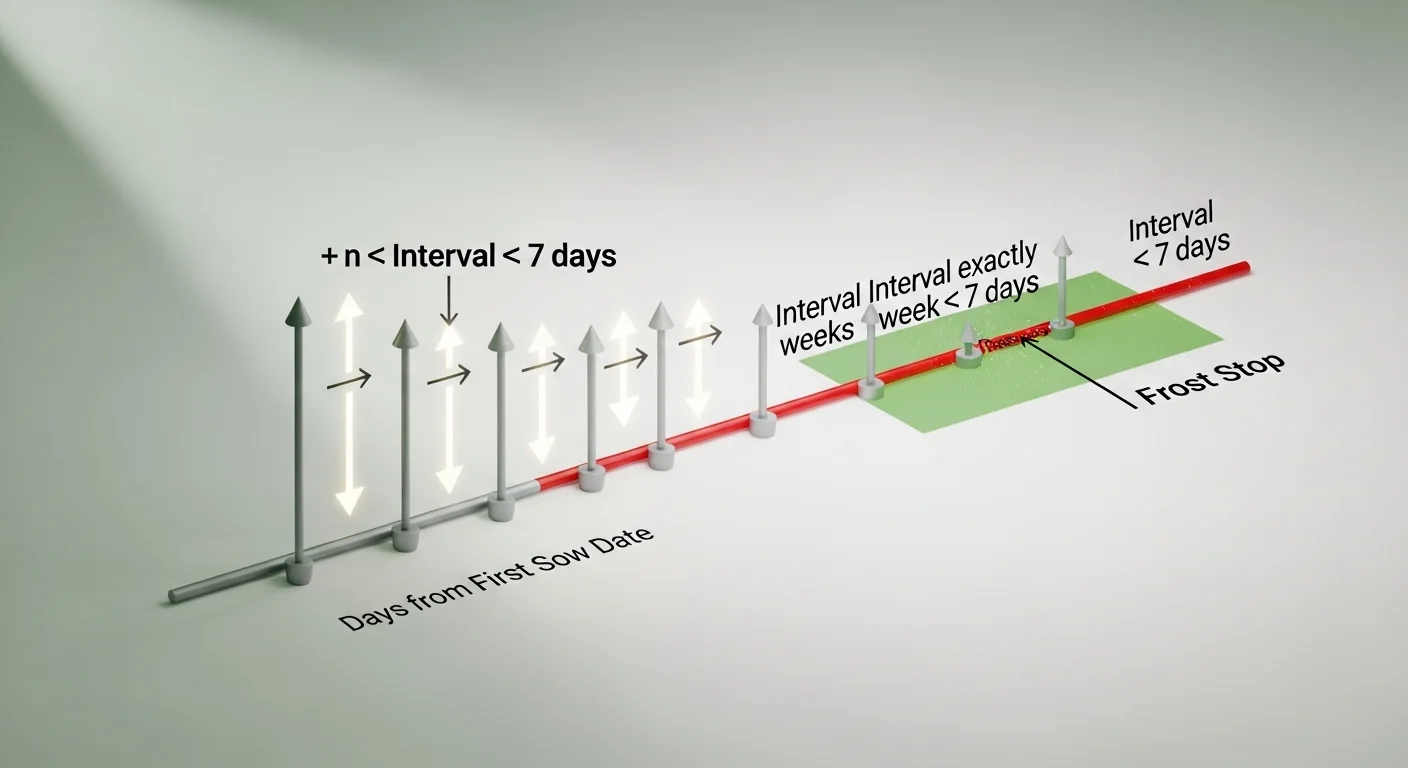
Step 4: Check each date against the frost boundary. If a frost date is entered, the calculator compares each computed date to it. The moment a computed date equals or exceeds the frost date, that planting receives a “Past Frost” status and the loop stops.
Rounding rule: Interval values are rounded to the nearest whole week. There are no fractional days in the output.
Unit note: All calculations are in calendar days. No daylight saving adjustments, leap day corrections, or timezone offsets are applied. For schedules spanning late February, verify manually if your region observes leap years.
Assumptions and Limits
- The tool assumes a fixed interval between every planting. Variable-interval schedules (for example, shortening the interval as summer approaches to compensate for faster growth) require manual calculation or separate runs.
- Frost dates are treated as hard calendar stops. The tool does not know whether a specific crop can tolerate frost; it only checks whether the sow date precedes the frost date.
- Days-to-maturity is not included in the formula. A planting scheduled before frost may still fail to produce a harvest if the crop cannot mature in the remaining window. This is the most common planning oversight this tool cannot catch on its own.
- The maximum supported range is 52 plantings at 52-week intervals, equivalent to a 52-year schedule. For practical garden use, keep the number of plantings under 12 for any single season.
- All dates are interpreted in the local calendar. The tool does not account for hemispheric differences in growing seasons.
- Interval inputs are restricted to whole-week values (1 to 52). Sub-week scheduling requires a different approach and is outside the scope of this tool.
- If a frost date is set to the same day as the First Sow Date or earlier, the calculator will flag an error. At least one day must separate the two dates.
Standards, Safety Checks, and “Secret Sauce” Warnings
Critical Warnings
- Do not rely solely on sow date proximity to frost. A planting that sows two weeks before frost does not have two weeks to mature. It has two weeks before frost kills it, regardless of where it is in its growth cycle. Always subtract the crop’s full days-to-maturity from the frost date to find your true last safe sow date.
- Omitting the frost date input produces an incomplete result for fall planning. The tool will display all requested batches as “Scheduled” when no frost date is entered, even if some dates fall deep into November. That is not a green light; it is an unchecked assumption.
- A short interval does not equal a continuous harvest. If your interval is shorter than the crop’s productive harvest window, two batches will mature simultaneously rather than in sequence. For crops like lettuce with a short peak window, an interval that is too tight defeats the entire purpose of succession planting.
- The “Past Frost” stop is per-batch, not per-plant. Removing a late batch from the chart does not extend or accelerate the batches before it. Each batch is independent.
Minimum Standards
- Set your interval to be at least as long as the crop’s peak harvest window. For most lettuces, that window is 10 to 14 days; for beans, it is 7 to 10 days. An interval shorter than that means two batches are ready at the same time.
- For fall successions, identify your last safe sow date independently before entering data. Subtract the crop’s days-to-maturity from the frost date. That date, not the frost date itself, is your true ceiling for any succession batch.
- Run the calculator at least once with the frost date field filled in and once without. The difference between the two outputs shows you how many of your planned batches are genuinely at risk.
Competitor Trap: Many succession planting charts available online present a fixed grid of dates by week number without any frost integration. A gardener in zone 5 using a zone 8 chart is likely scheduling three or four batches that will never produce. The frost check built into this tool is the single most important differentiator between a generic date-generator and a genuinely useful succession planting calculator. If your current planning method does not account for frost at the individual-batch level, it is giving you an optimistic schedule that real conditions will override. The vegetable yield calculator can help you model whether your frost-safe batches alone are enough to meet your household needs without the doomed late plantings.
For crops that depend heavily on accumulated heat rather than calendar dates alone, pairing your succession chart with a chill hours reference can clarify why identical calendar intervals in spring versus fall can produce very different results.
Common Mistakes and Fixes
Mistake: Using the Same Interval for Every Crop Regardless of Maturity Time
A two-week interval works well for fast-maturing greens but creates overlapping harvests for slower crops like carrots or beets, which take 60 to 75 days to mature. If two carrot batches sow two weeks apart, they will be ready within two weeks of each other, not spaced out across the season as intended. The fix is to set the interval equal to or slightly longer than the number of days you want between harvests, divided by 7 to get weeks.
Mistake: Planning Succession Dates Without Verifying Bed Availability
The calculator produces a date schedule, not a bed availability check. If your first batch is still occupying a bed when the second batch sow date arrives, you have a conflict the tool cannot see. Gardeners using intensive layouts like a square foot grid need to cross-reference space turnover with succession timing before committing to a schedule. The fix is to estimate how many beds each batch occupies and when each bed turns over based on days-to-maturity.
Mistake: Treating All Frost Dates as Equally Accurate
Frost dates from zone maps are historical averages, not guarantees. An October 15 frost date might represent the median first-frost from 30 years of data, but actual frost could arrive October 1 in a cold year. Scheduling a final succession batch that matures on October 14 is a single bad forecast away from a complete loss. The fix is to build in a buffer of at least 7 to 14 days from the listed frost date when evaluating your last succession batch.
Mistake: Entering the Frost Date and Ignoring the “Past Frost” Warning
When the tool flags a batch as “Past Frost,” some gardeners assume frost-tolerant crops like kale or chard can override that warning. In some cases that is true, but the tool has no crop-specific knowledge. It flags the date boundary, not the crop’s hardiness. Proceeding with a “Past Frost” sow date for a genuinely frost-sensitive crop like basil or beans will result in loss. The fix is to consult your crop’s documented frost tolerance separately before deciding to override the flag.
Mistake: Running Only One Scenario and Committing to That Schedule
The first set of numbers you enter is rarely optimal. A 3-week interval might leave a 2-week gap in harvests; a 2-week interval might overwhelm your kitchen for a month. The Reset function exists for a reason. Run at least two or three scenarios with different interval and batch counts before locking in your plan. The fix is to test the range: try your target interval, then try one week shorter and one week longer, and compare the resulting date ranges and frost check outcomes side by side.
Next Steps in Your Workflow
Once your succession planting chart is confirmed, the next practical question is spacing. How you arrange each batch in the bed affects both yield per square foot and the ease of sequential harvest without disturbing neighboring plants. Running your spacing inputs through the plant spacing calculator after finalizing your succession schedule gives you a complete picture of the space commitment each batch requires before the first seed goes in the ground.
After spacing is locked in, revisit the question of maturity. The succession chart tells you when to sow. It does not tell you when to harvest, and for planning purposes, those two pieces of information together determine whether your continuous harvest goal is actually achievable with your chosen interval. The harvest date calculator takes each sow date and crop maturity time as inputs and outputs an estimated harvest window, which is the missing half of the succession planning puzzle.
FAQ
What is succession planting and why does the interval matter?
Succession planting is the practice of sowing the same crop in multiple batches spaced over time so harvests arrive in sequence rather than all at once. The interval determines how spread out those harvests are. Too short an interval and batches mature together; too long and gaps appear between harvests. The right interval depends on the crop’s harvest window and the length of your growing season.
How do I calculate succession planting dates by hand without the tool?
The formula is straightforward: Date[n] = First Sow Date plus (n multiplied by interval in weeks multiplied by 7). For batch 1, n is 0; for batch 2, n is 1; and so on. Add the result in days to your starting date using a calendar. The tool automates this entirely, but the underlying math is simple enough to replicate on paper for small schedules.
Does the tool tell me how many seeds I need for each batch?
No. This tool calculates sow dates only. It does not know crop variety, germination rate, target plant count, or row length. Seed quantity planning is a separate calculation that requires germination rate and plant spacing data, neither of which is an input to the succession planting interval calculator.
Can I use this calculator for spring planting if there is no frost concern?
Yes. The First Frost Date field is optional. For spring successions where heat or bolting is the limiting factor rather than frost, simply leave the frost date blank and use the number of plantings and interval to generate your schedule. The tool will show all batches as “Scheduled” with no frost check applied.
What should I do if the tool shows fewer confirmed plantings than I requested?
One or more of your requested batches fell on or after the frost date and were removed. You have three options: reduce the number of plantings until all remaining batches clear the frost boundary, shorten the interval to compress the schedule, or move the First Sow Date earlier to shift the entire sequence back in the calendar.
How is this different from a static succession planting chart found online?
Static charts provide fixed date grids that do not account for your specific first sow date, your local frost date, or your chosen interval. This calculator generates a custom schedule based on your actual inputs and applies a frost check at the individual-batch level. The output is specific to your garden plan, not a generic average for an assumed region or crop type.
Conclusion
A succession planting chart is only as useful as the frost check built into it. Generating sow dates is the simple part; the meaningful work is confirming that those dates actually fit inside your frost-safe growing window at the individual-batch level. That is what separates a date generator from a planning tool, and it is the reason the frost date field exists in this calculator rather than being left as a separate manual step.
The single most common mistake in staggered planting planning is treating the scheduled sow date as proof of viability. It is not. It is proof that the date precedes frost. Actual viability depends on whether the crop can mature in the time remaining before that frost date arrives. Pair every output from this tool with your crop’s days-to-maturity, and your succession planting chart becomes a reliable operating schedule rather than an optimistic wish list. For a broader view of how your full garden fits together across seasons, the square foot gardening planner provides the spatial layer that succession scheduling alone does not cover.