
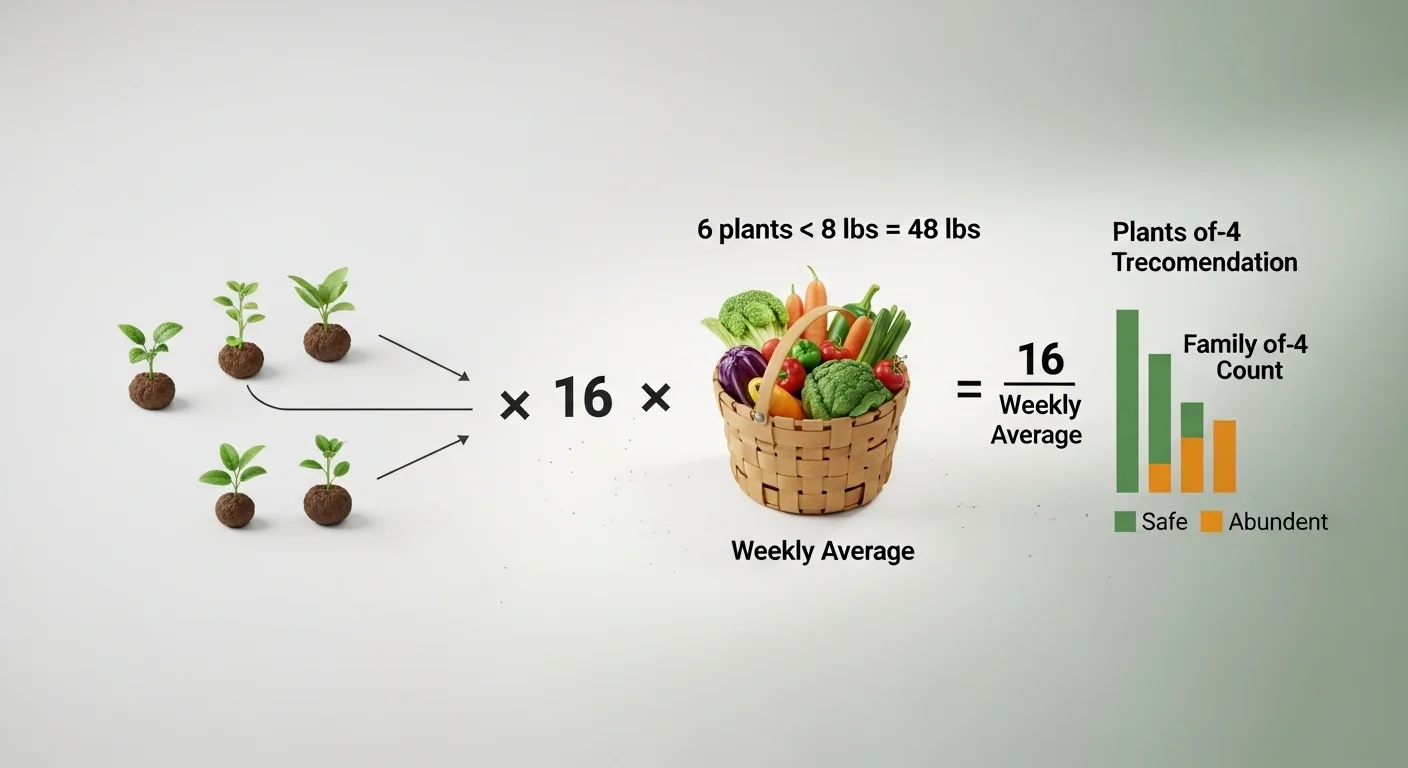
Garden planning fails most often at a single step: translating a plant count into an actual harvest number. Knowing you planted six tomato plants tells you nothing about whether that is enough to feed your household through August, or whether you will spend September giving bags of tomatoes to your neighbors because you dramatically over-planted. The gap between “I planted some vegetables” and “I know what to expect” is exactly what a yield estimator closes.
This vegetable yield calculator takes two inputs, the vegetable name and the number of plants, and returns a projected seasonal harvest in pounds using established average-yield-per-plant figures from horticultural extension data. It does not account for soil fertility, irrigation method, pest pressure, or regional climate variation. Those factors exist and matter, but they cannot be entered without field measurements. What this tool provides is a defensible baseline estimate good enough to make planting and purchasing decisions.
After running the calculation, you will know whether your planned plant count covers a family of four for a full season, falls short and needs supplementing, or exceeds your realistic consumption and storage capacity.
Use the Tool

Vegetable Yield Estimator
Calculate your expected garden harvest — and plan for your whole family.
Before you start, have your plant count ready. If you are still in the planning stage, decide on the vegetable first and use the number of plants you intend to grow. Select from the dropdown if your vegetable is listed; for anything not on the list, type the name directly into the custom field. The number field accepts whole numbers only between 1 and 10,000. If you are mapping out your full garden layout and need to think through bed sizes alongside these numbers, the square foot gardening planner pairs directly with this tool.
Quick Start (60 Seconds)
- Select your vegetable: Use the dropdown for any of the 20 listed crops. If your vegetable is not listed, type the name in the custom field below the dropdown. Custom entries use a conservative default yield of 4 lbs per plant.
- Enter plant count as a whole number: Do not enter fractions or decimal values. If you are planning a row of 12 bean plants, enter 12, not “a dozen” or “half a row.”
- Check the family size flag: The results panel will tell you whether your plant count meets, exceeds, or falls below the threshold for a family of four. This is not an opinion; it is calculated from documented seasonal consumption averages.
- Read the fill gauge: The 10-segment bar shows your harvest relative to what a typical family-scale planting would produce. Brown segments indicate a low count; orange segments indicate an abundant surplus.
- Review the weekly figure: The tool divides total yield by a 16-week growing season. This per-week number helps with meal planning and preservation decisions.
- Check the reference table: The table below your result highlights your selected vegetable in context with seven other common crops, so you can compare yields without re-running the calculator.
- Use Reset between crops: If you are evaluating multiple vegetables for a mixed garden, hit Reset between each calculation to avoid confusion between entries.
Inputs and Outputs (What Each Field Means)
| Field | Unit | What It Means | Common Mistake | Safe Entry Guidance |
|---|---|---|---|---|
| Vegetable Name (dropdown) | None | Selects the average yield value for that specific crop from the built-in data table | Selecting a similar but different crop (e.g., “Squash” instead of “Zucchini”) when the crop you planted is listed separately | Match your actual plant variety to the closest listed crop; when uncertain, use the custom field |
| Vegetable Name (custom) | None | Allows any unlisted crop; tool applies a 4 lbs/plant default | Entering a custom name for a crop that is already in the dropdown, bypassing more accurate yield data | Check the dropdown first; use custom only if your crop genuinely is not listed |
| Number of Plants | Count (integer) | How many individual plants you have or plan to grow | Entering row length in feet instead of actual plant count | Count individual transplants or seeds that germinated, not bed area |
| Total Yield (output) | lbs | Projected seasonal harvest: plants multiplied by average yield per plant | Treating this as a guaranteed number rather than a planning baseline | Use it for comparative planning, not for pre-selling at market |
| Weekly Yield (output) | lbs/week | Total yield divided by 16 weeks (assumed growing season) | Expecting this figure to be consistent week over week; most crops peak and taper | Use as an average across the season, not a weekly guarantee |
| Fill Gauge (output) | Visual (10 segments) | Shows plant count relative to a generous family-scale planting for that crop | Misreading a full bar as “too many plants” when the crop stores or preserves well | Consider your storage and preservation capacity alongside the gauge reading |
| Family Size Check (output) | Text warning | Compares your plant count against documented thresholds for a family of four | Ignoring warnings for low-yielding crops like carrots or radishes where plant counts need to be high | If the warning fires, increase plant count or plan to supplement from a market |
Worked Examples (Real Numbers)
Scenario 1: Tomato Planting for a Family of Four
- Vegetable: Tomato
- Plants: 6
- Average yield per plant: 8 lbs
Result: 48 lbs total, approximately 3 lbs per week over a 16-week season.
Six tomato plants exceeds the family-of-four threshold of four plants. At roughly 3 lbs per week, this planting supports fresh eating and moderate sauce-making. A household that preserves heavily would benefit from pushing toward eight to ten plants.
Scenario 2: Under-Planted Pepper Bed
- Vegetable: Pepper
- Plants: 4
- Average yield per plant: 4 lbs
Result: 16 lbs total, approximately 1 lbs per week over a 16-week season.
Four pepper plants falls below the family-of-four threshold of six plants. The tool will flag this as a low count. A household that uses peppers heavily for roasting, salsa, or freezing should add at least two more plants to cover seasonal demand without buying from a store.
Scenario 3: Zucchini Surplus Planning
- Vegetable: Zucchini
- Plants: 3
- Average yield per plant: 10 lbs
Result: 30 lbs total, approximately 1.9 lbs per week over a 16-week season.
Three zucchini plants produces enough for a family of four and then some. The family threshold for zucchini is two plants, making three a modest surplus. Anyone who has grown zucchini before already knows that two plants in peak summer can outpace a small household’s ability to consume them fresh.
Reference Table (Fast Lookup)
| Vegetable | Avg Yield / Plant (lbs) | Plants for Family of 4 | Seasonal Total at Threshold (lbs) | Weekly Average at Threshold (lbs/wk) | Yield Category |
|---|---|---|---|---|---|
| Tomato | 8 | 4 | 32 | 2.0 | High unit yield |
| Pepper | 4 | 6 | 24 | 1.5 | Moderate unit yield |
| Zucchini | 10 | 2 | 20 | 1.25 | Very high unit yield |
| Cucumber | 5 | 3 | 15 | 0.94 | Moderate unit yield |
| Green Bean | 1 | 15 | 15 | 0.94 | Low unit yield, high count needed |
| Kale | 1.5 | 6 | 9 | 0.56 | Low unit yield |
| Broccoli | 1.5 | 5 | 7.5 | 0.47 | Low unit yield |
| Carrot | 0.25 | 25 | 6.25 | 0.39 | Very low unit yield, high count needed |
| Lettuce | 0.5 | 8 | 4 | 0.25 | Low unit yield |
| Pea | 0.25 | 40 | 10 | 0.63 | Very low unit yield, very high count needed |
| Squash | 8 | 2 | 16 | 1.0 | High unit yield |
| Potato | 2 | 5 | 10 | 0.63 | Moderate unit yield |
The “Seasonal Total at Threshold” column is derived directly from the formula: family-of-four plant count multiplied by average yield per plant. The “Weekly Average” column divides that total by 16 weeks. Both columns are computed values, not estimates from secondary sources.
How the Calculation Works (Formula + Assumptions)
Show the calculation steps
Core formula:
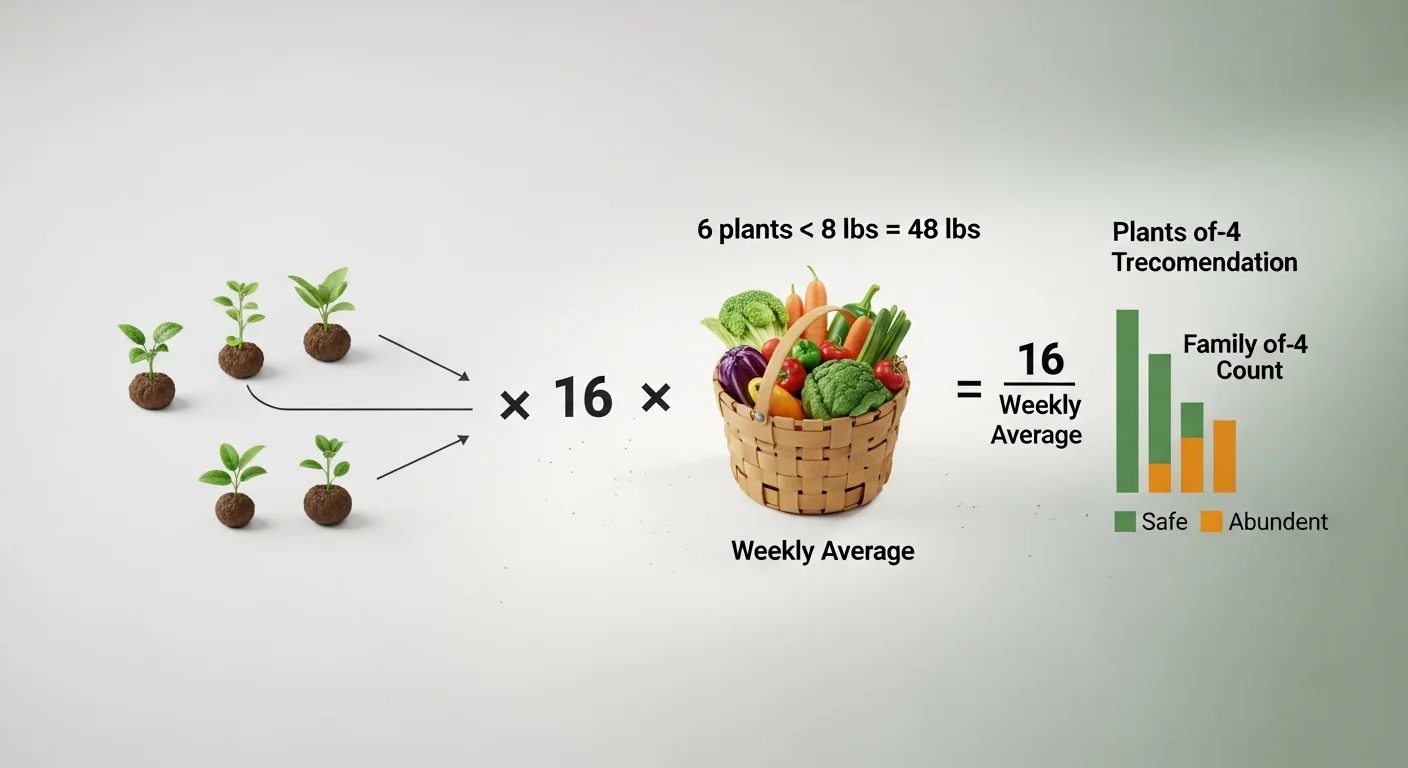
Total Yield (lbs) = Number of Plants x Average Yield per Plant (lbs/plant)
Step-by-step breakdown:
- Identify the vegetable. If it is in the built-in data table, retrieve its average yield per plant. If it is a custom entry, apply the default of 4 lbs per plant.
- Multiply the plant count by the average yield per plant. Round the result to one decimal place.
- Divide total yield by 16 to produce the weekly average. Round to one decimal place.
- Compare the plant count to the family-of-four threshold for that crop. If the count is below the threshold, flag as low. If the count exceeds twice the threshold, flag as abundant.
- Calculate fill gauge position as: (total yield / (family threshold plants x avg yield x 3)) x 100, capped at 100.
Rounding rule: All output values are rounded to one decimal place using standard half-up rounding. No additional precision is implied.
Unit note: All yield values are in pounds (lbs). No unit conversions are performed. Kilogram-based planning requires multiplying the result by 0.453.
Assumptions and Limits
- Average yield figures are sourced from USDA and university extension service data for home garden plants grown under recommended conditions.
- Results assume adequate plant spacing, consistent watering, and no significant pest or disease pressure during the season.
- The 16-week growing season is a general approximation. Cool-season crops like lettuce and spinach may have shorter windows in warm climates; long-season crops like peppers may extend beyond 16 weeks in frost-free regions.
- Custom vegetable entries use a 4 lbs/plant default. This value may significantly over- or under-represent the actual crop. High-volume crops like zucchini yield 10 lbs/plant; fine herbs yield a fraction of a pound.
- Yields vary substantially by variety. A beefsteak tomato plant and a cherry tomato plant will not produce the same weight even when grown identically.
- Family size thresholds are based on seasonal household consumption averages for a family of four eating fresh produce. Households that preserve heavily (canning, freezing, fermenting) should increase plant counts beyond the flagged threshold.
- The tool does not account for succession planting, interplanting, or staggered harvests. A gardener running two or three successions of lettuce will produce more than a single-planting calculation suggests.
- Soil quality, irrigation method, and local climate are not inputs. These factors can shift actual yield upward or downward by a meaningful margin relative to the computed estimate.
Standards, Safety Checks, and “Secret Sauce” Warnings
Critical Warnings
- Under-planting crops with low unit yield: Green beans, carrots, peas, and radishes require very high plant counts because each individual plant produces a small amount. A gardener who plants 5 carrot seeds expecting a family-scale harvest will be disappointed. The family-of-four threshold for carrots is 25 plants. The calculator flags this, but the warning is easy to dismiss.
- Custom vegetable default is not neutral: The 4 lbs/plant default applied to custom entries is not a safe average across all vegetables. Zucchini, squash, and pumpkin produce far more per plant. Herbs, microgreens, and root vegetables typically produce far less. Entering “basil” as a custom vegetable and receiving a 4 lbs estimate would produce a wildly misleading result. Use the custom field only for crops genuinely absent from the list.
- Yield is seasonal, not weekly: The weekly average output is a mathematical division of total seasonal yield by 16 weeks. Most vegetables do not produce linearly. Tomatoes and peppers surge mid-summer and slow in early fall. Treating the weekly figure as a consistent weekly delivery is a planning error.
- Abundant flag does not mean over-planted: The tool marks harvests as “abundant” when plant count exceeds twice the family-of-four threshold. This is a planning cue, not a directive to reduce plant count. High-yield crops with good storage properties (winter squash, potatoes, garlic) benefit from deliberate surplus planting.
Minimum Standards
- For crops with a family threshold above 10 plants (peas, green beans, carrots, radishes), plan for the full threshold before expecting meaningful weekly yields.
- For any crop where preservation is part of the plan, add a minimum of 25 to 50 additional plants beyond the family threshold before counting the surplus as usable storage volume.
Competitor Trap: Most vegetable yield articles list average pounds per plant in a table and stop there. They do not connect that number to a household size, a family threshold, or a warning when the plant count falls below what actually feeds a family. A gardener reading “tomatoes yield 8 lbs per plant” and planting two plants believes they will harvest 16 lbs. They will, and it will last about a week for a family of four. The family-size check in this tool is the step that generic yield tables consistently skip. For extending your harvest window across the season, the succession planting chart addresses the timing gaps this calculator cannot cover.
If you are growing vegetables in containers and the plant counts from this tool seem high relative to your available space, the pot size calculator can help you determine how many plants a given container can realistically support.
Common Mistakes and Fixes
Mistake: Counting seeds planted instead of plants established
Germination rates for direct-sown crops like carrots, peas, and beans are rarely 100%. A gardener who sows 40 pea seeds into a bed but has 28 germinate has 28 plants, not 40. Entering seed count instead of actual plant count produces a yield overestimate that does not reflect what is actually growing in the bed.
Fix: Count established plants two to three weeks after germination before entering a number into the calculator.
Mistake: Using square footage instead of plant count
A common confusion among new gardeners is measuring beds in square feet and entering that as a plant count. Ten square feet of tomatoes and ten tomato plants are very different things depending on spacing. Standard tomato spacing of 24 to 36 inches means a 10-square-foot bed holds two to three plants, not ten.
Fix: Count individual plants. If you are planning and have not planted yet, use the plant spacing calculator to determine how many plants fit your bed before entering the count here.
Mistake: Treating the weekly yield as a flat weekly delivery
The per-week output is an average across the full season, not a guarantee of consistent weekly production. Zucchini will flood you with yield in weeks six through ten and slow dramatically by week fourteen. Expecting a flat 1.9 lbs of zucchini every week for sixteen weeks is not how the crop behaves.
Fix: Use the weekly figure for budget and storage planning only. Expect peaks and troughs within that average depending on the crop’s natural production curve.
Mistake: Ignoring the family threshold warning for low-unit-yield crops
High-unit-yield crops like zucchini and squash make the family threshold easy to hit with just two or three plants. Low-unit-yield crops like peas (0.25 lbs/plant) require 40 plants to reach that threshold, and many gardeners plant 8 to 10 and then wonder why they can only harvest a small handful at a time. The warning in the results panel exists specifically for this scenario.
Fix: When the tool flags a low plant count, take the threshold number seriously. For peas, beans, and carrots especially, the required plant counts may feel high but reflect actual production math. If you are buying seeds and are unsure how many packets cover your plant count goal, the seed packet calculator can bridge that gap.
Mistake: Using custom vegetable entry for crops already in the dropdown
A gardener who types “Roma tomato” into the custom field receives the 4 lbs/plant default instead of the 8 lbs/plant figure that “Tomato” in the dropdown carries. This produces a result that is half of the more accurate estimate. The custom field does not do variety-level lookup; it is a fallback for genuinely unlisted crops.
Fix: Always check the dropdown first. If the crop is listed, use it. Save the custom field for crops that genuinely have no close equivalent in the list.
Next Steps in Your Workflow
Once you have a projected harvest number, the next logical question is timing: when does that yield actually arrive? A vegetable yield estimate gives you a seasonal total, but it does not tell you whether you are looking at a June harvest, an August peak, or a staggered supply from July through October. Pairing yield estimates with expected harvest windows is what turns a number into a usable meal-planning and preservation schedule. The harvest date calculator handles exactly that side of the planning process.
If your results reveal a shortfall in a particular crop, the immediate question becomes whether to increase plant count or add a succession round later in the season. Both options have trade-offs: more plants now means more space and upfront cost, while a second succession extends your harvest but delays it. Neither answer is universal. Climate, remaining frost-free weeks, and your storage capacity all factor in. That decision is worth working through carefully before committing to a final plant count, and it ties directly into how you organize your growing calendar for the rest of the season.
FAQ
What does “average yield per plant” actually mean?
It is the expected total weight harvested from a single healthy plant over a complete growing season under normal home garden conditions. These figures come from university extension research and USDA horticultural data. They represent a central tendency, meaning actual yields can run higher or lower depending on variety, climate, soil, and care practices.
Why does the tool use a 16-week growing season?
Sixteen weeks is a general approximation for a temperate summer growing season. It serves as a consistent denominator for producing the weekly yield figure. Gardeners in warmer climates with longer frost-free windows may see extended production; those in shorter-season climates may see compressed timelines. The 16-week figure is a planning assumption, not a prediction.
Can I use this tool to plan a commercial market garden?
Not reliably. The tool is calibrated for home garden planning using household-scale family thresholds. Commercial production involves variety selection, row cropping, irrigation systems, and harvest scheduling that fall well outside the scope of this estimator. The yield figures here serve as rough orientation for commercial beginners but should be replaced with field trial data before any significant investment.
Why does the fill gauge turn orange instead of staying green at high plant counts?
The orange color signals abundance relative to a family-of-four threshold, not a warning that you planted too many. It is a visual cue that your projected harvest significantly exceeds typical family consumption for that crop. Whether that is a problem depends on your storage and preservation capacity. For crops that store well, an abundant reading may be exactly what you want.
What happens if I type in a vegetable name that is not in the dropdown?
The tool applies a conservative default of 4 lbs per plant for any custom entry. This value is not specific to any crop and may substantially over- or under-estimate actual yield. The result will still calculate and display, but the family-size check becomes unreliable because there is no family threshold data for custom entries. Use the custom field only when a crop has no close equivalent in the dropdown.
Is the weekly yield figure an average or a per-week guarantee?
It is a straight mathematical average: total seasonal yield divided by 16 weeks. Most vegetables do not produce linearly. You will see surges at peak production and slower periods early and late in the season. Use the weekly figure for rough storage and consumption planning, not as a guarantee of what will be ready to pick any given week.
Conclusion
The gap this calculator closes is not the yield formula itself, which is simple multiplication. The gap it closes is the connection between that yield number and the household it is meant to feed. Knowing that four tomato plants will produce 32 lbs is useful. Knowing that 32 lbs covers a family of four for a season, while two plants falls meaningfully short, is what makes the number actionable. That family-size context is what most yield tables omit, and it is the single most common reason gardeners either over- or under-plant a bed.
The one mistake that undermines this tool most consistently is treating the output as a precise prediction. It is a planning baseline, built on documented averages, that degrades in accuracy when variety choice, soil health, and local climate diverge from typical conditions. Use it to make your go or no-go decisions about plant counts, then expect reality to come in somewhere within a reasonable range of the estimate. For gardeners who want to push that accuracy further by accounting for seasonal heat accumulation and how it drives crop development, the growing degree days calculator addresses a dimension of crop planning this tool does not.